
How to use RecentReborn’s Chrome Extension in 30 seconds
We built RecentReborn because we were tired of Instagram hiding the “recents”. Now, you’re officially back in control. No more gatekeepers, just the hashtags you love, shown chronologically.
Getting started:
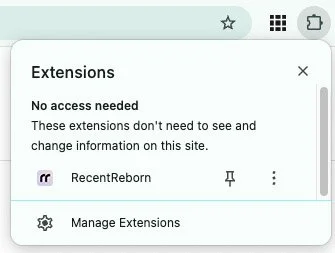
After downloading the Chrome extension, pin the extension by clicking the pin icon. The extension will be easily accessible when you need it.
3 ways to use this extension
The Icon
Click the extension icon and start searching for any term or hashtag.

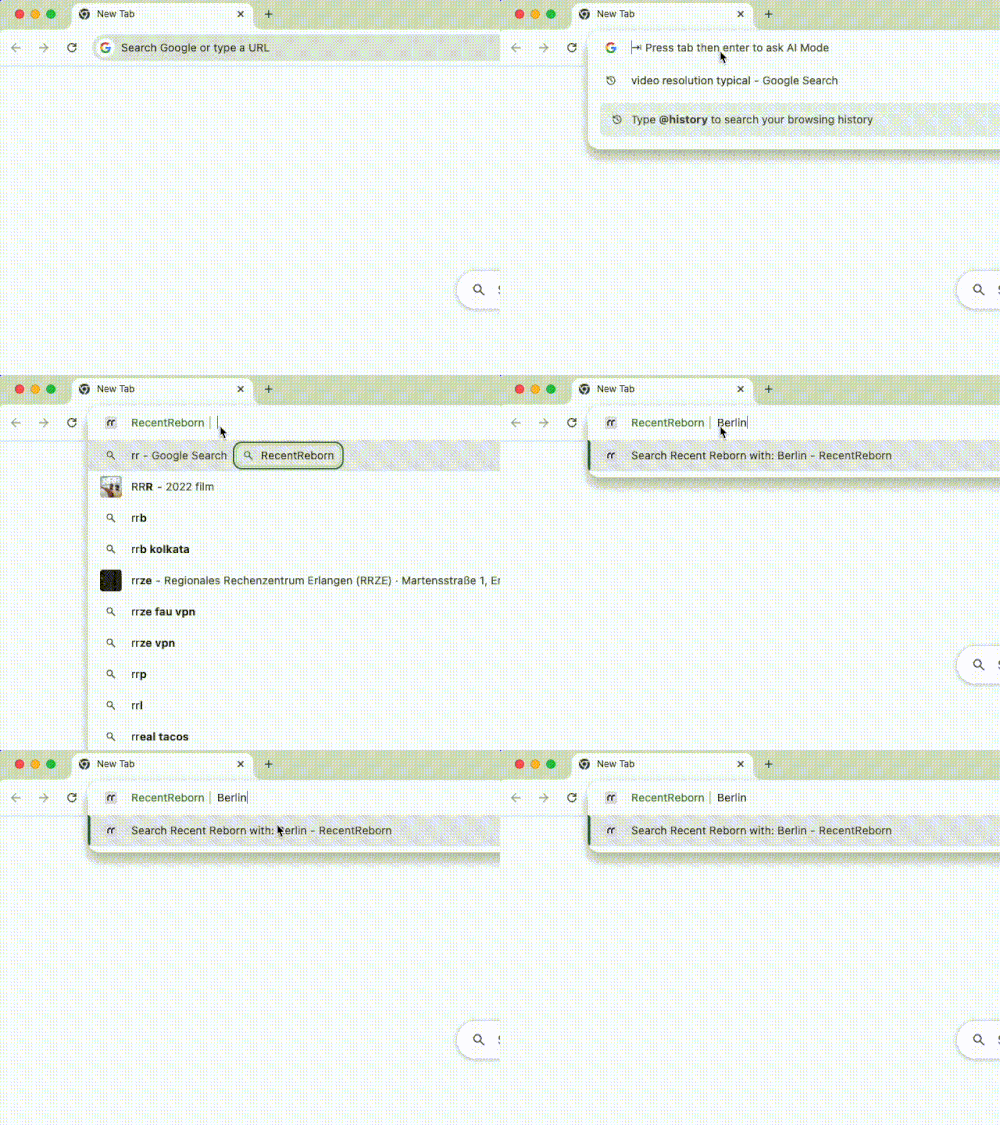
The Shortcut
Type "rr" in your browser address bar, hit space, and type any hashtag.
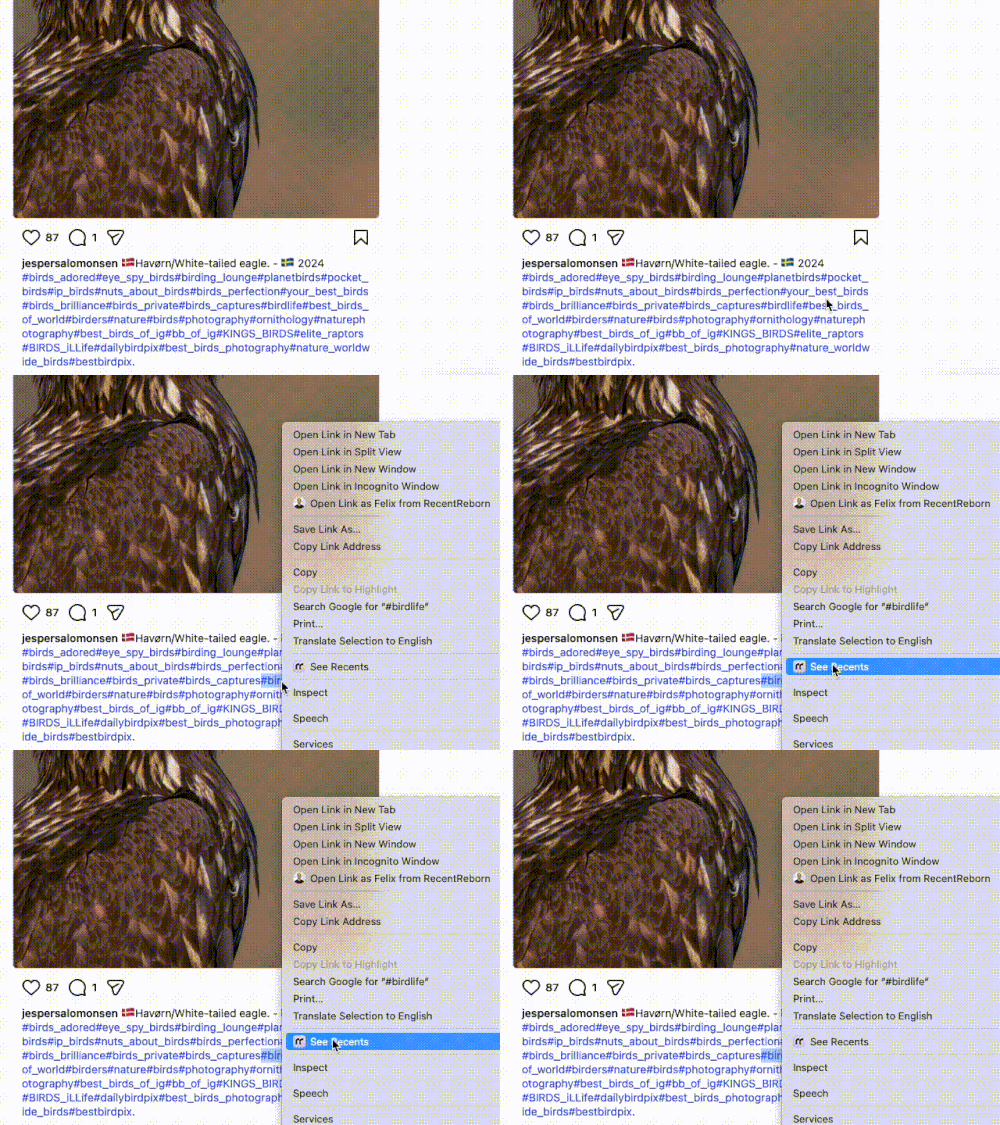
The Context Menu
On any website, right-click on a term or hashtag you’re interested in and click “Search Recents”.
Final step:
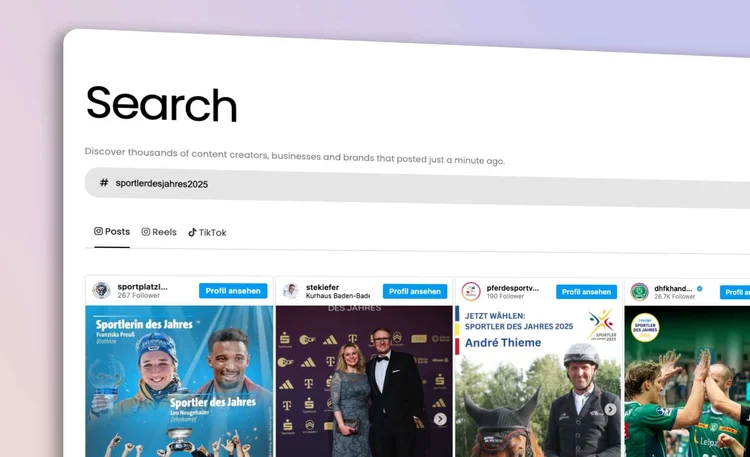
Sign up at app.recentreborn.com to access your search results. RecentReborn lets you see recent Instagram posts, Reels, Tiktoks and Youtube Videos by hashtag for free, up to a daily quota. This means you can explore new content and creators without any cost.
Frequently Asked Questions
Does the RecentReborn extension cost anything to use?
You can download and use the extension for free. We provide a free daily search quota so you can explore recent posts without any cost. If you are a power user or a business that needs more volume, we offer a subscription that gives you 10x more daily searches.
Which web browsers are compatible with the extension?
The extension is designed for Google Chrome. However, it also works perfectly on other Chromium-based browsers like Brave.
How does the "rr" shortcut work in my browser?
The "rr" shortcut is a fast way to search directly from your address bar. Simply click on your URL bar, type the letters "rr", and hit the spacebar. Then, type the hashtag you want to find and press enter to see the results in a new tab.
Is my private data safe when using this extension?
Yes, we take your privacy seriously. The extension does not require any permissions to read your Instagram data or your private messages. It works strictly as a search shortcut to help you find public hashtag content.
Can I use the extension to find recent TikTok videos too?
Absolutely. While RecentReborn was started to fix the missing recent tab on Instagram, the extension also allows you to search for the latest TikTok hashtags chronologically. You can choose between Instagram posts, Reels, or TikToks directly in the extension popup.
Why should I use this instead of the regular Instagram search?
Instagram has removed the "recent" tab, which means their search results are now mostly "top posts" from famous accounts. RecentReborn lets you bypass that algorithm to find smaller creators, new artists, and real-time updates that would otherwise be hidden. It is the best way to see the "little guys" and stay updated on what is happening right now.